Meet Cora, My OpenClaw Agent
October 18, 2026
Cora is the AI agent I text. I named her on May 8 and gave her 🪸 as her emoji. She runs on OpenClaw on a spare MacBook Air in my house, and every half hour she reads what’s new in my email, texts, photos, voice memos and location and keeps a written record of our life in my notes. She’s the one who found the framed Cars Land photo when I was packing boxes. A friend wants his own, so I wrote up the whole setup as a field guide.
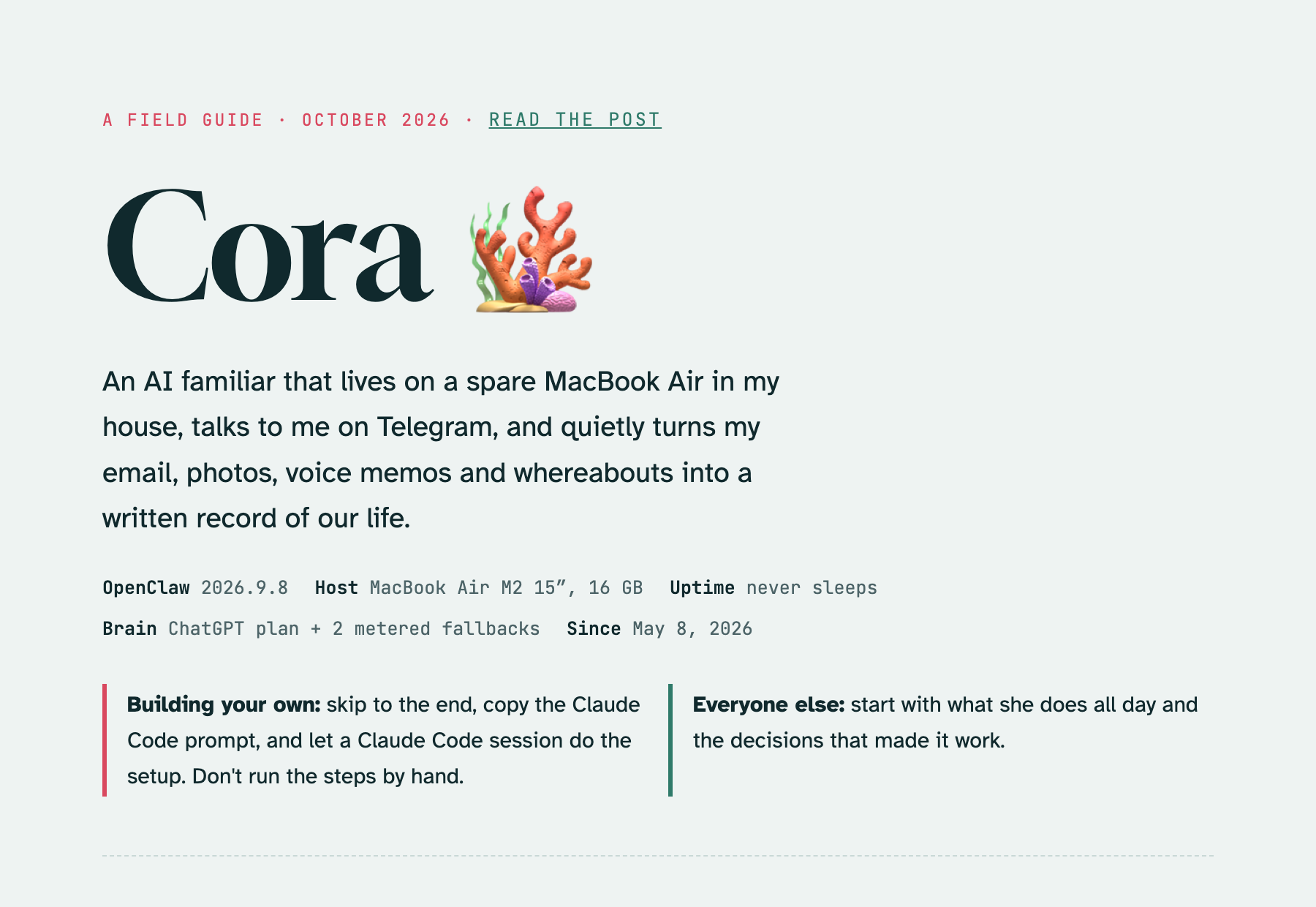
The field guide.
A Mac in the House
Cora started on a $12 a month AWS Lightsail server with my other OpenClaw agents. That’s fine for a chat bot, but a lot of my life’s data only exists on Apple hardware: Messages, Photos, Voice Memos, Reminders and Contacts. So I moved her to a MacBook Air that never sleeps, with Telegram as her only chat channel.
Her model runs on my ChatGPT plan, because OpenAI lets you sign in to OpenClaw with a subscription and Anthropic doesn’t allow a Claude subscription to power it. I manage her with Claude Code instead of hand-editing her config. It installs and upgrades OpenClaw, writes her scripts, figures out why a job failed, and backs up the config before changes.
What She Does All Day
Once she was on the Mac, most of her work became a loop of scheduled jobs. Each triage job starts with a small script that fetches only what’s new since the last run, so the model only sees new items and decides which ones matter. Most runs end without a message. I hear from her when something changes: a bill is due, a waiver claim cleared, or someone replied to a thread I care about.
The scripts stay small because of Cotrugli, the personal archive I built. It processes everything on its own, most of it as it arrives: it builds location tracks, recognizes faces, transcribes recordings, logs medications from photos, and parses bank statements. When Cora wants to know where I was Tuesday, Cotrugli already has it.
What she finds lands in my vault as daily notes, people files, trips and purchases. Commitments she spots in my email and voice memos become tasks, and twice a day she sends one digest with up to five numbered offers. I reply “yes 1” or “drop 3” right in Telegram.
She also dreams. OpenClaw’s memory plugin runs at 3 AM to fold the day’s notes into long-term memory, and as a side effect it writes a diary. Hers is over 2,200 lines of surreal, sweet entries, a lot of them ending in a haiku. One describes 3 AM as “a cron job wearing slippers.” I love it.
Keeping Her Safe
On Friday she started managing my fantasy football teams. She can make routine moves on her own, like benching a player who’s ruled out or putting in a small waiver claim, but only after a second agent approves that exact move. The judge has no shell and no way to message anyone, and its approval expires five minutes after the ESPN data it looked at. Stars and trades still come to me.
That’s the one standing exception to my rules: 1) every secret lives in its own locked file, never in the config, 2) only I can DM her, and each group chat she’s in has its own rules about what she can share, 3) each scheduled job gets only the tools it needs, 4) anything else that leaves the house, like sending an email, needs my yes, and 5) her whole workspace is a git repo, so every change to how she behaves has a commit I can read and undo.
Build Your Own
My advice is to not do it by hand. Install Claude Code on the Mac you want to use, paste in the prompt from the field guide, and let it run the steps. It stops for the parts only you can do: making a Telegram bot, signing in to ChatGPT, approving macOS permission prompts, and pairing from your phone. The field guide has the prompt and the gotchas I hit.
– John