Omnipod 5 Won't Connect to Dexcom G7 After a Pod Change? Try Wrapping the Old Pod in Foil
April 26, 2026
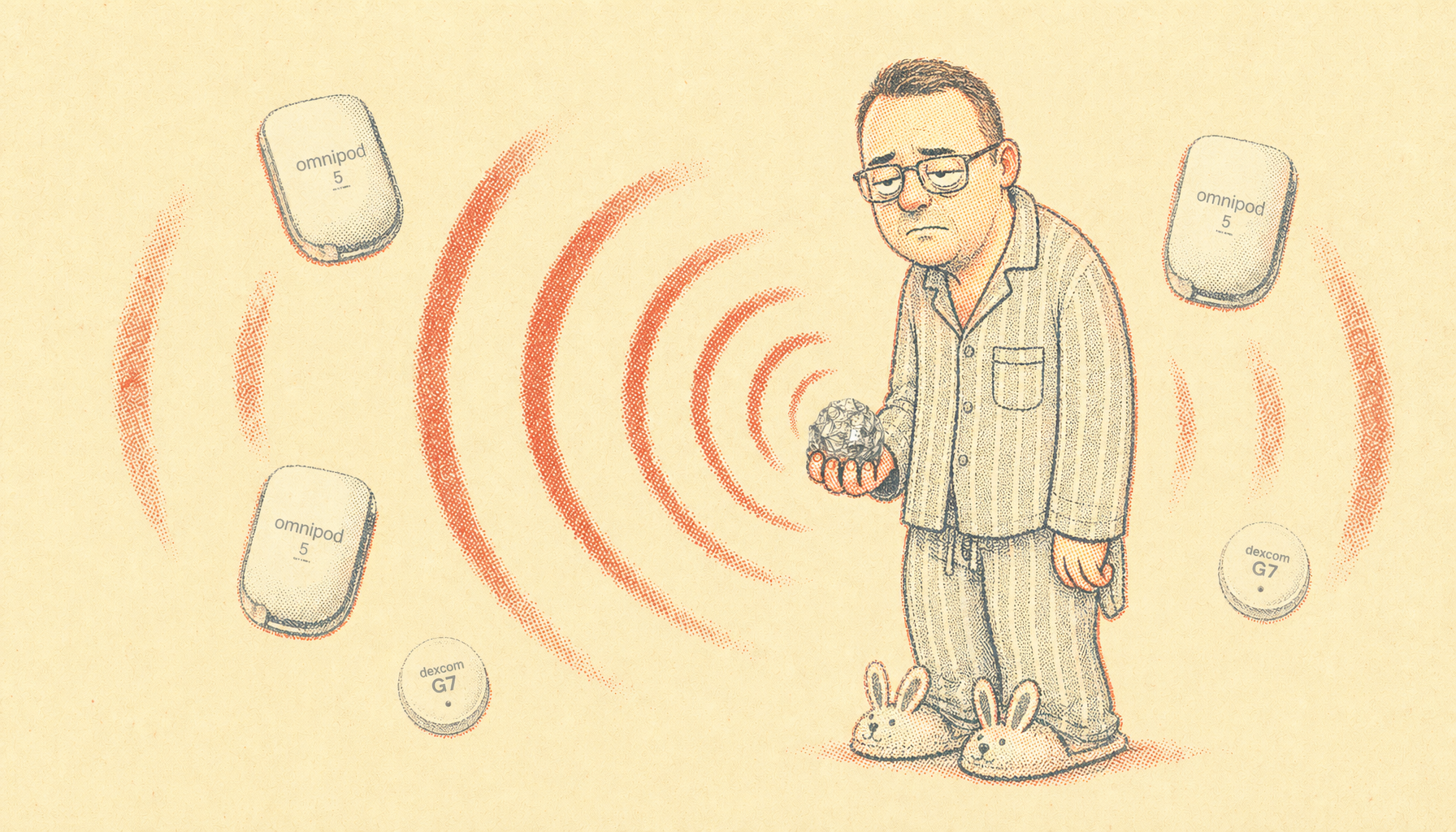
My daughter Abigail has Type 1 diabetes (T1D). She wears an Insulet Omnipod 5 insulin pump and a Dexcom G7 continuous glucose monitor (CGM). The pump talks directly to the CGM over a wireless link so it can adjust insulin in response to her glucose. When that link breaks, automated mode stops working and we’re back to manual dosing until it comes back.
A recent pod change went sideways and cost us a pod, a CGM replaced four days early, and a peaceful Saturday night before I figured it out. I couldn’t find anything about it online, so here’s my story in case it helps the next person in my situation.
Three Pods, Two CGMs
There were five devices involved, so to keep things simple I’m going to call them Pods 1, 2, and 3 and Dexcoms 1 and 2.
- Pod 1. End of life. One of the best pods we’d ever had, with great time in range across the three days she wore it. Sad to see it go.
- Pod 2. First replacement. Activated cleanly and paired with her controller (her iPhone), but never connected to Dexcom 1. It was also dropping its Bluetooth link to the controller intermittently.
- Pod 3. Second replacement. The one she’s on now.
- Dexcom 1. The CGM she’d been wearing all week. Still had four days of life left and was happily reporting to her phone the whole time this drama was unfolding.
- Dexcom 2. The replacement CGM I put on after Pod 3 also failed to pair with Dexcom 1.
The Sequence
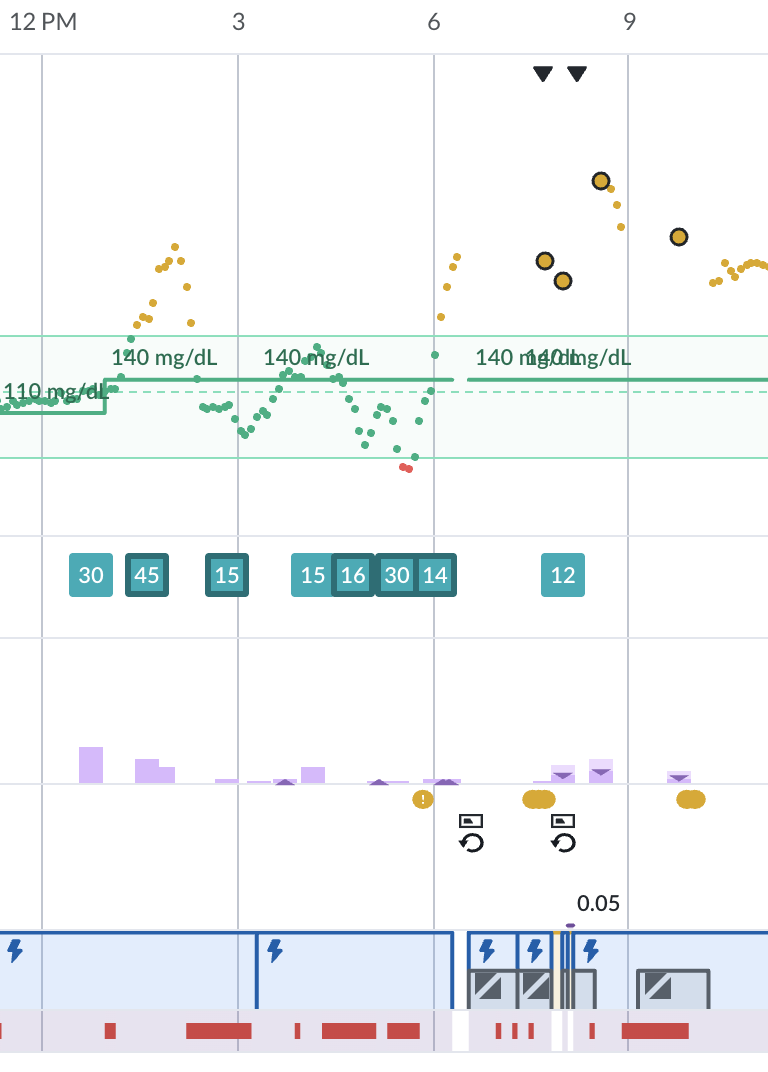
Pod 1 hit end of life, so I started its deactivation at 6:43 PM. Something weird happened in the middle of it. The screen flashed some kind of warning (I remember it being something to the effect of “out of range,” but in the chaos of a pod change I didn’t catch the exact wording) and then re-presented the deactivate screen. I hit deactivate again. The second attempt finished normally, and I didn’t think much of it at the time.
Then I put Pod 2 on. It activated and paired with the controller. But it never made a connection to Dexcom 1. And while we were waiting, the controller’s link to Pod 2 itself kept dropping in and out.
That’s what made me suspect Pod 2 was the problem. If its radio was misbehaving on the Bluetooth side and on the link to the CGM, the simplest explanation was a bad pod. Cheaper to swap a pod than to swap a CGM that still had four days of life on it, so I started there.
Pod 2’s deactivation at 7:58 PM went totally normal. Both old pods went into the metal trash can in the kitchen.
Then I put Pod 3 on. It paired with the controller cleanly and held its link initially. But it also couldn’t see Dexcom 1.
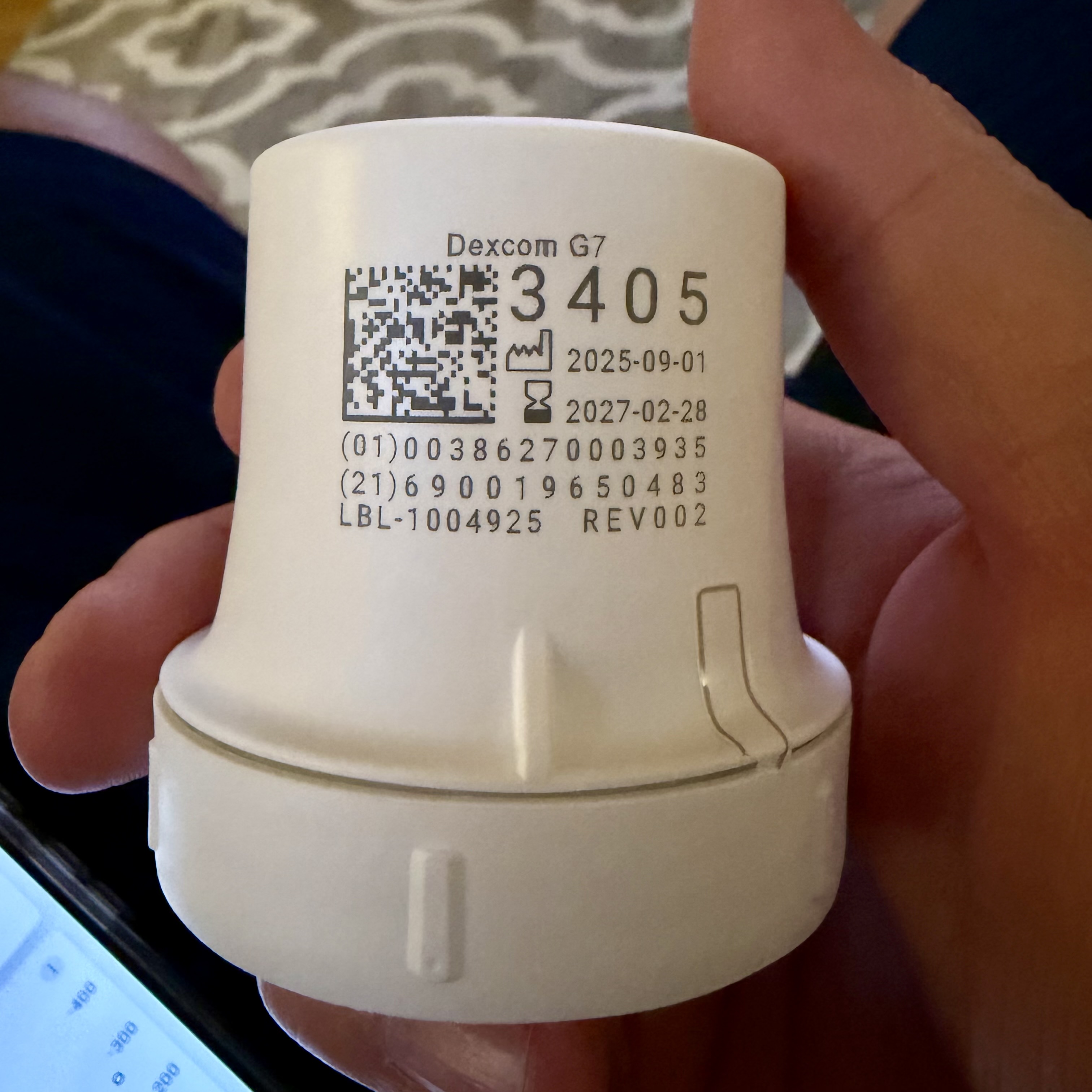
At that point I’d burned a pod and the CGM still wasn’t talking to the new pod, so I bit the bullet and replaced Dexcom 1 at 8:05 PM. Now we had Pod 3 and Dexcom 2, and everything worked, briefly.
Abigail went to bed at her usual 8:30 PM. Shortly after that, it fell apart again. Pod 3 stayed solid on the controller, but it started losing Dexcom 2. Dexcom 2 started losing the controller too. The phone did occasionally get readings from the CGM, but the pod got readings from the CGM even less frequently. Nothing was stable.
I tried everything else I could think of. I rebooted the phone. Re-added the CGM in the Dexcom app and re-entered the sensor code in the Omnipod 5 app. No change.
By this time, Abigail’s pod was starting to alarm from not having data in over an hour. Luckily it didn’t wake her up, but it was raising the tension.
I moved Abigail’s phone as close to her as I could without waking her. That helped the CGM-to-phone link a little, but the CGM-to-pod link was already as close as it could get (both on her body) and wasn’t improving.
She slept through all this. I was running out of ideas.
The 10:12 PM Walk
The only thing I hadn’t tried was getting rid of the two old pods sitting in the kitchen trash can. I wasn’t optimistic about it: the metal can was already a partial Faraday cage and they were already across the house from her. But the deactivated pods were the last variable I hadn’t isolated.
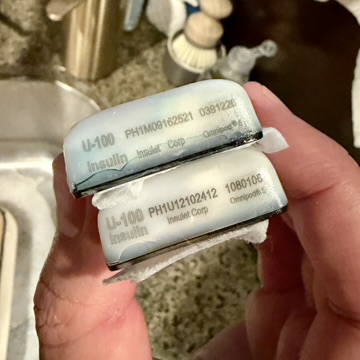
I fished Pods 1 and 2 out of the trash. I can’t say definitively which is which in this photo, but I think the one with more corrosion on the case was Pod 1.
I took photos of their lot numbers, wrapped them in a tight ball of aluminum foil, walked them two blocks down the street, and dropped them in a neighbor’s trash can. At 10:12 PM.
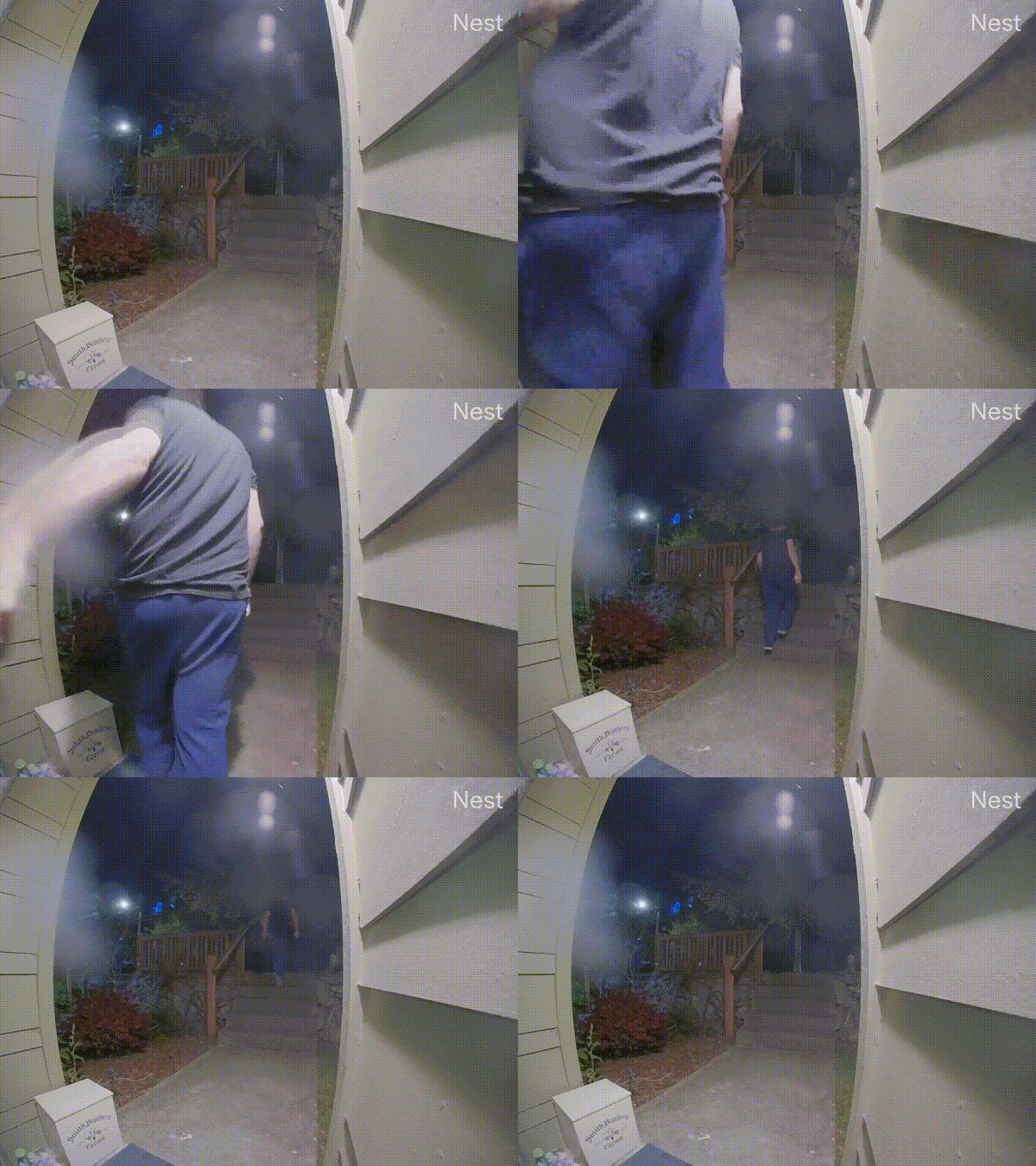
Everything started working before I got back home. Pod 3 locked onto Dexcom 2. Dexcom 2 locked onto the controller. Automated mode came back on. Abigail slept through the whole thing.
If your new Omnipod won’t pair with your Dexcom and you’ve already swapped both, find every recently-deactivated pod in the house, wrap them in foil, and get them as far away as possible. A neighbor’s trash can two blocks away worked for me. Sixty seconds, no parts, no app reinstalls. If it fixes it, you’ve found your interferer. If it doesn’t, you’ve ruled it out cleanly.
My Best Guess
I can’t fully isolate which old pod was at fault. Two candidates:
- Pod 1’s deactivation got corrupted somehow. That weird mid-deactivation hiccup may have left it in some abnormal radio state.
- Pod 2 was a defective pod, with a radio that was misbehaving on every band it touched. That would also explain why it was dropping its Bluetooth link to the controller while it was still active, before I ever deactivated it.
Either way, one of those two old pods was loud enough on radio frequency to step on the active pod’s connection to the new CGM from across the house. Loud enough that even the CGM-to-phone Bluetooth was struggling.
I’m reporting both lot numbers, PH1M09162521 and PH1U12102412, to Insulet at 1-800-591-3455. They track lot-level issues, and a deactivated pod that can jam pairing across the house is worth a data point.
Related Posts
I write about diabetes tooling for Abigail a lot here:
- Glucagent: a daily AI digest email that reads her last 24 hours of glucose, insulin, and carb data and explains what happened.
- The Pixoo signage series: a 64x64 LED display in our kitchen showing her live glucose, insulin, and weather.
– John