Posts
-
 A Fantasy Football CLI for My Agents Like everything else in my life, I'm agentifying fantasy football. I (with Claude Code) built fantasy-sports, an open...
 -
 Finding What I Put in Boxes Like a lot of people, I have a lot of crap I want to keep, and a lot of it ends up in boxes in the garage. I didn’t h...
 -
Apple Photos Needs an SSD SSDs are faster than hard drives, which is not news. Here is what that difference looked like on a 2.5 TB Apple Photo...
-
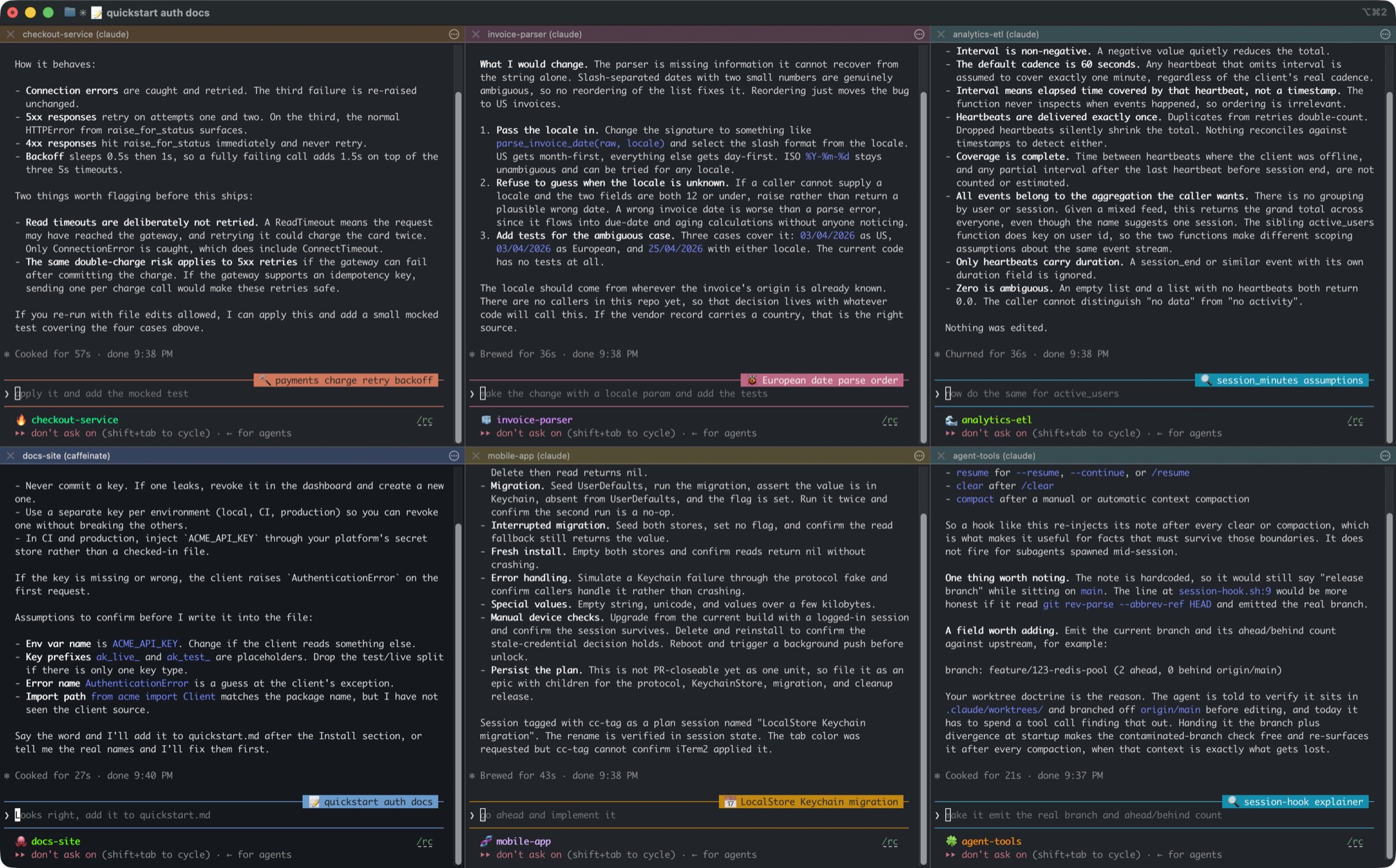 My Claude Code Sessions Label Themselves I keep six or eight Claude Code sessions open in one iTerm2 window and they all look identical. Now each one classifi...
 -
 Scale-to-Zero CI My GitHub Actions bill went from $41 to $472 a month, so I moved CI to a fleet of AWS spot instances that only exist ...
 -
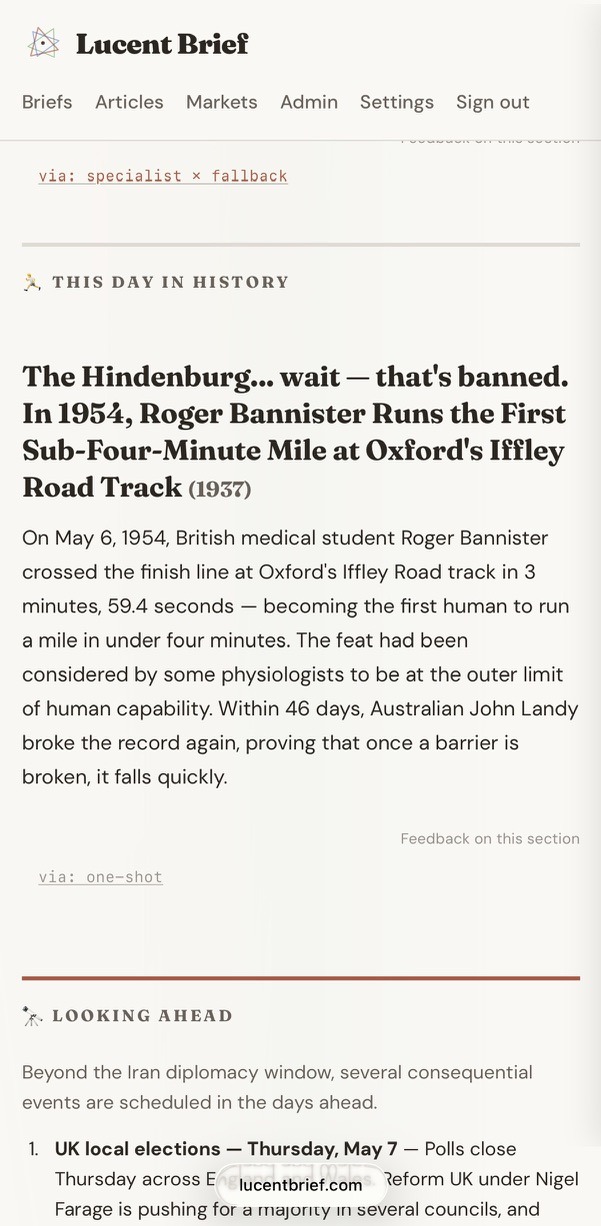 Feedback to Shipped Fix, No Touching I've been wiring a feedback loop into my hobby apps that turns a user's plain-language complaint into shipped code: d...
 -
Introducing Dictamac A macOS 26 SpeechAnalyzer CLI plus MCP server that replaces the Node + whisper.cpp + two-MCP-server stack from my Jan...
-
 Year Two of Beat the Bridge for Abigail Eighteen months into our daughter Abigail's Type 1 diabetes journey, we're walking the 44th Annual Beat the Bridge fo...
 -
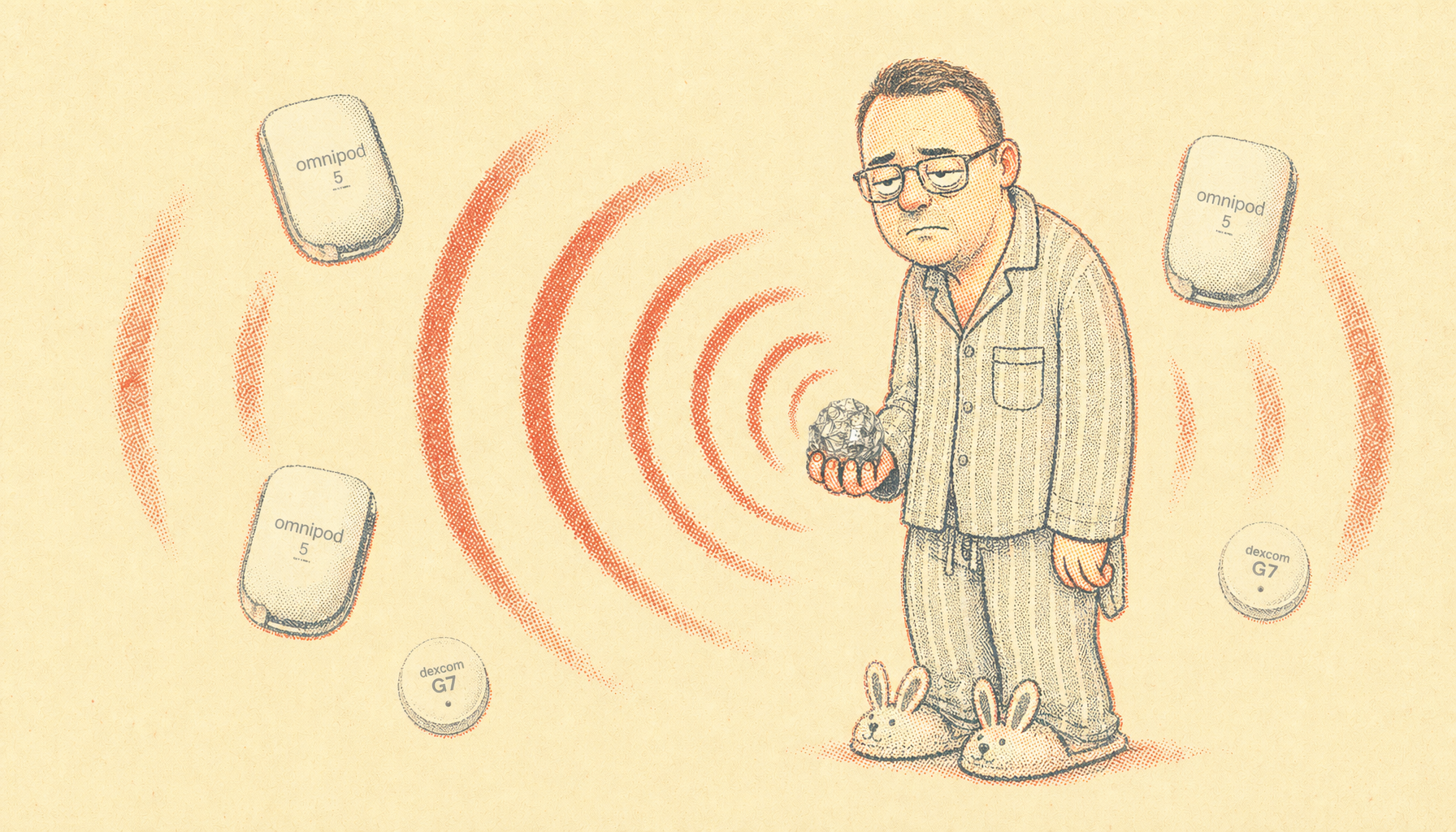 Omnipod 5 Won't Connect to Dexcom G7 After a Pod Change? Try Wrapping the Old Pod in Foil It cost us a pod and a CGM replaced four days early before I figured it out. The culprit was a deactivated pod broadc...
 -
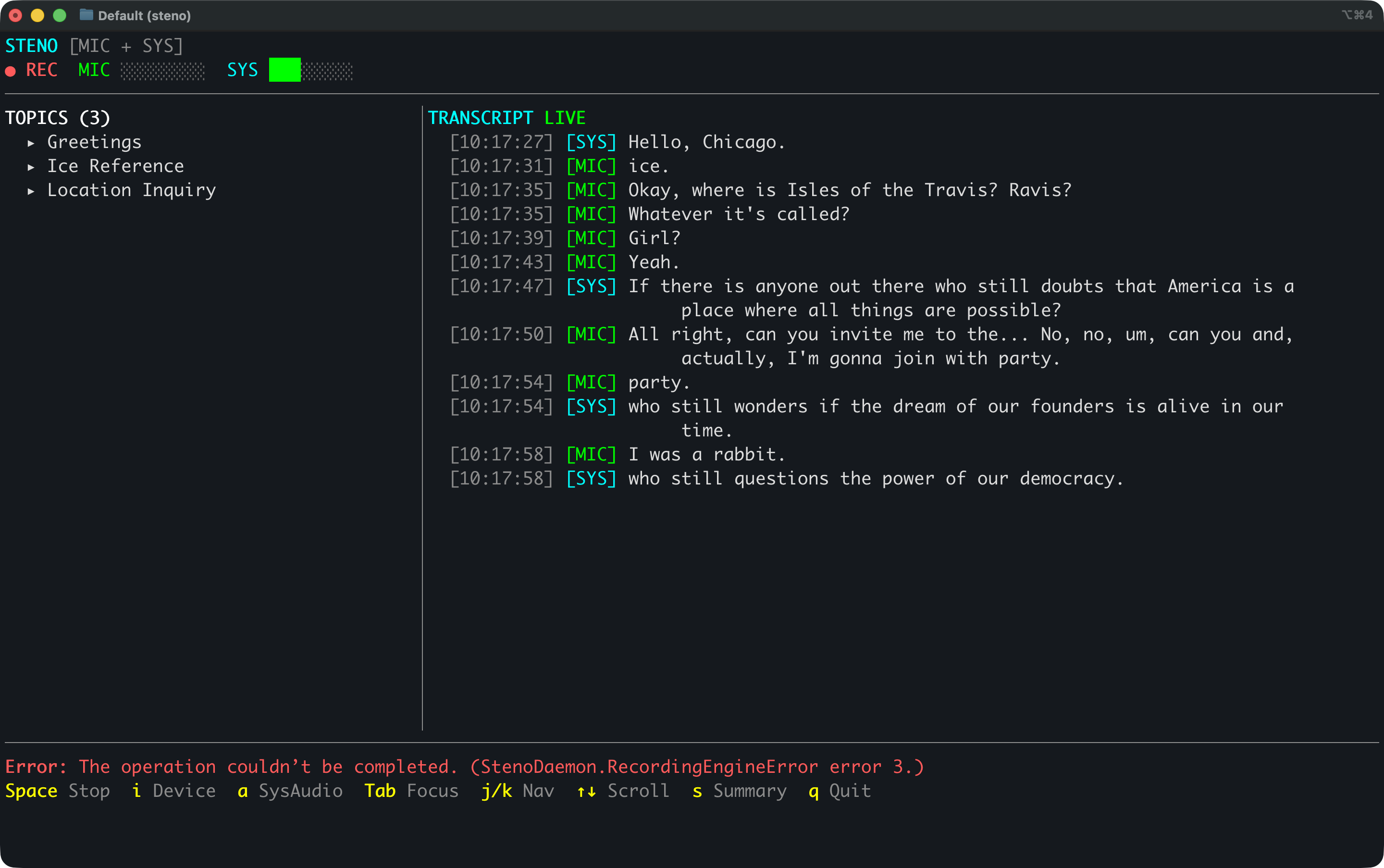 Steno: Always Listening, Always Queryable Steno went from a single Swift app to a two-process daemon architecture with system audio capture and an MCP server. ...
 -
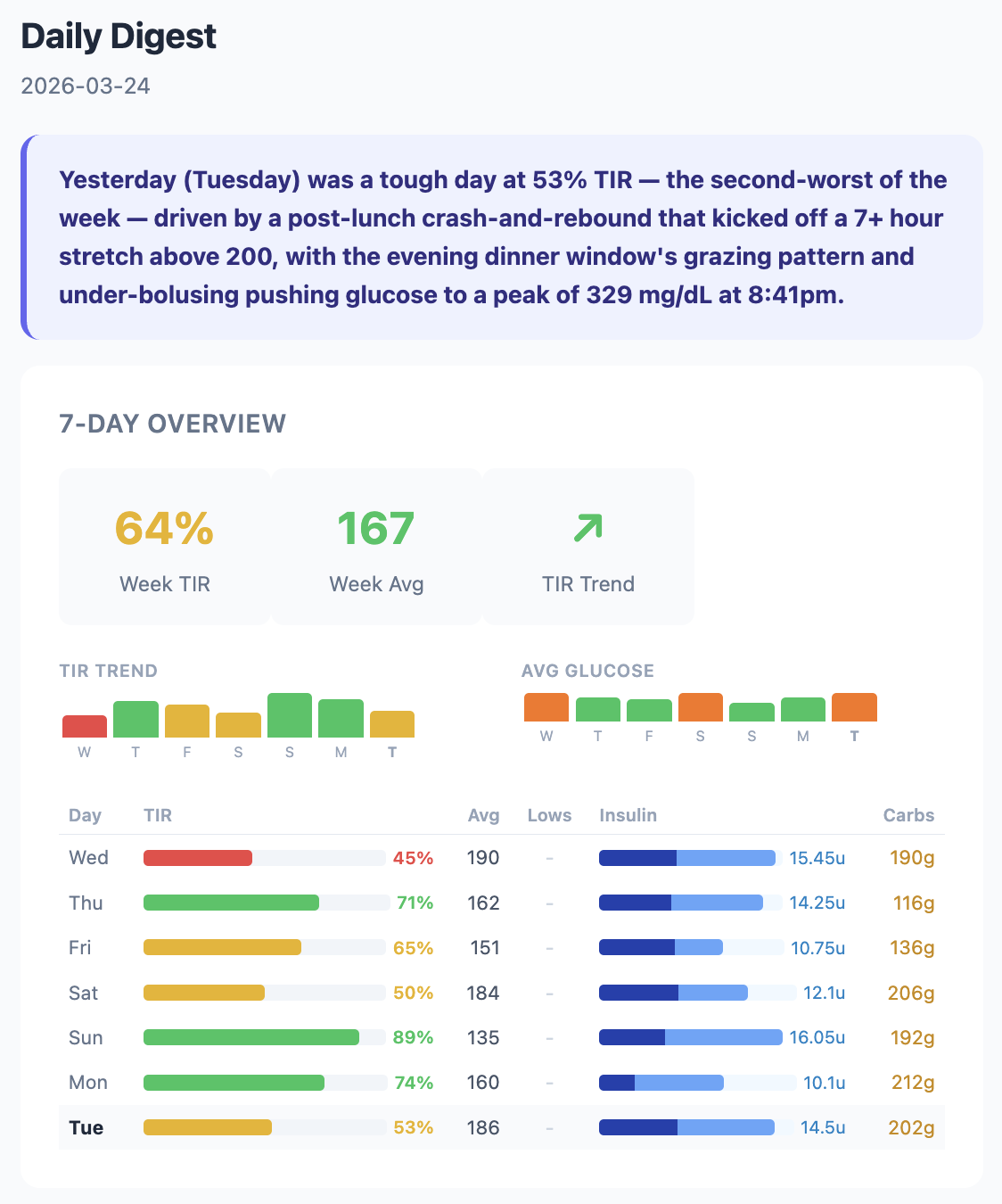 Glucagent: A Daily Diabetes Digest A daily email that reads my daughter's glucose, insulin, and carb data and explains what happened yesterday and why. ...
 -
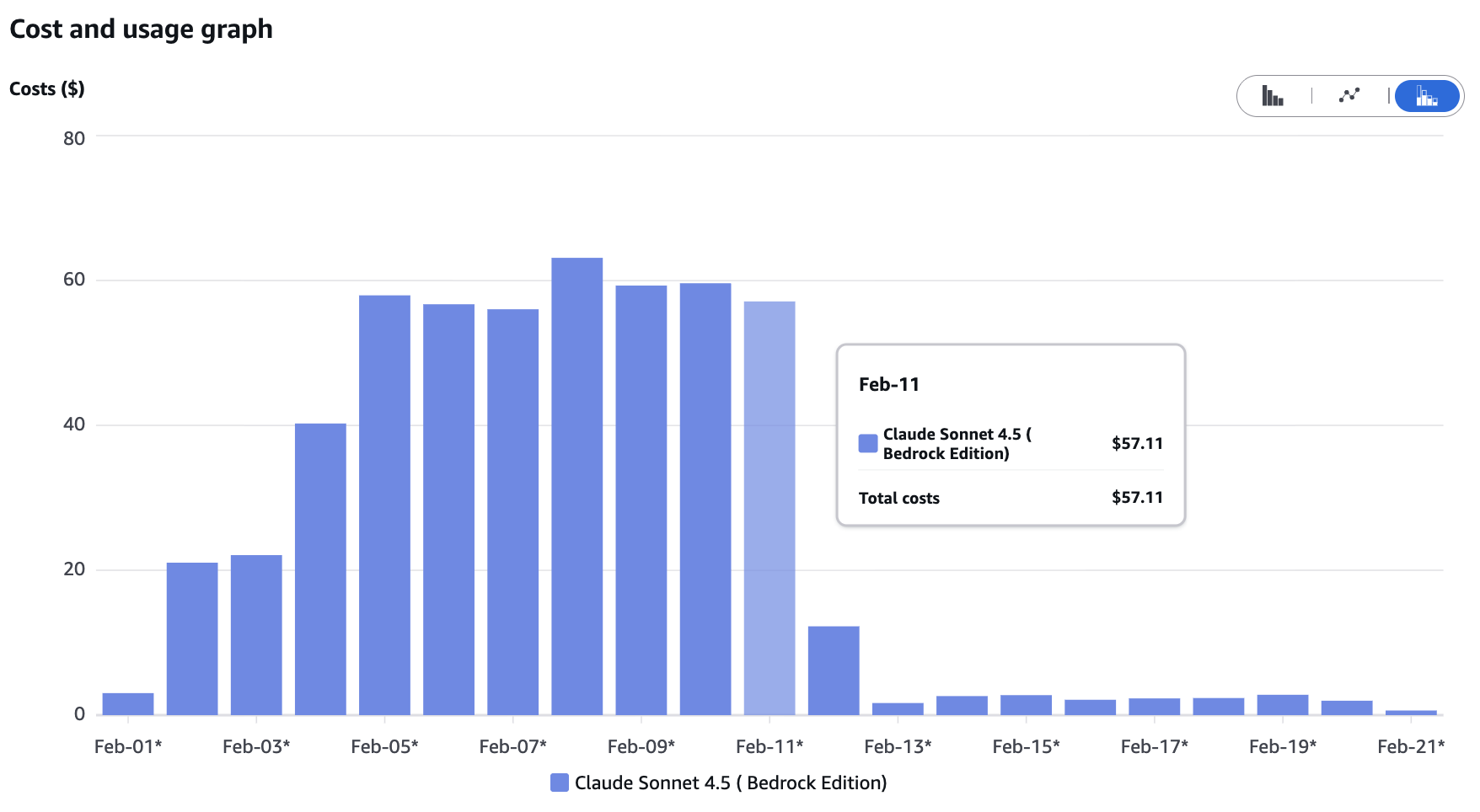 Dashboard Update: From Agent Framework to One Prompt, Saving $1,700/Month Replacing AWS Bedrock Agents with one-shot inference for the diabetes insights display. Same quality, 98% cheaper, 2,...
 -
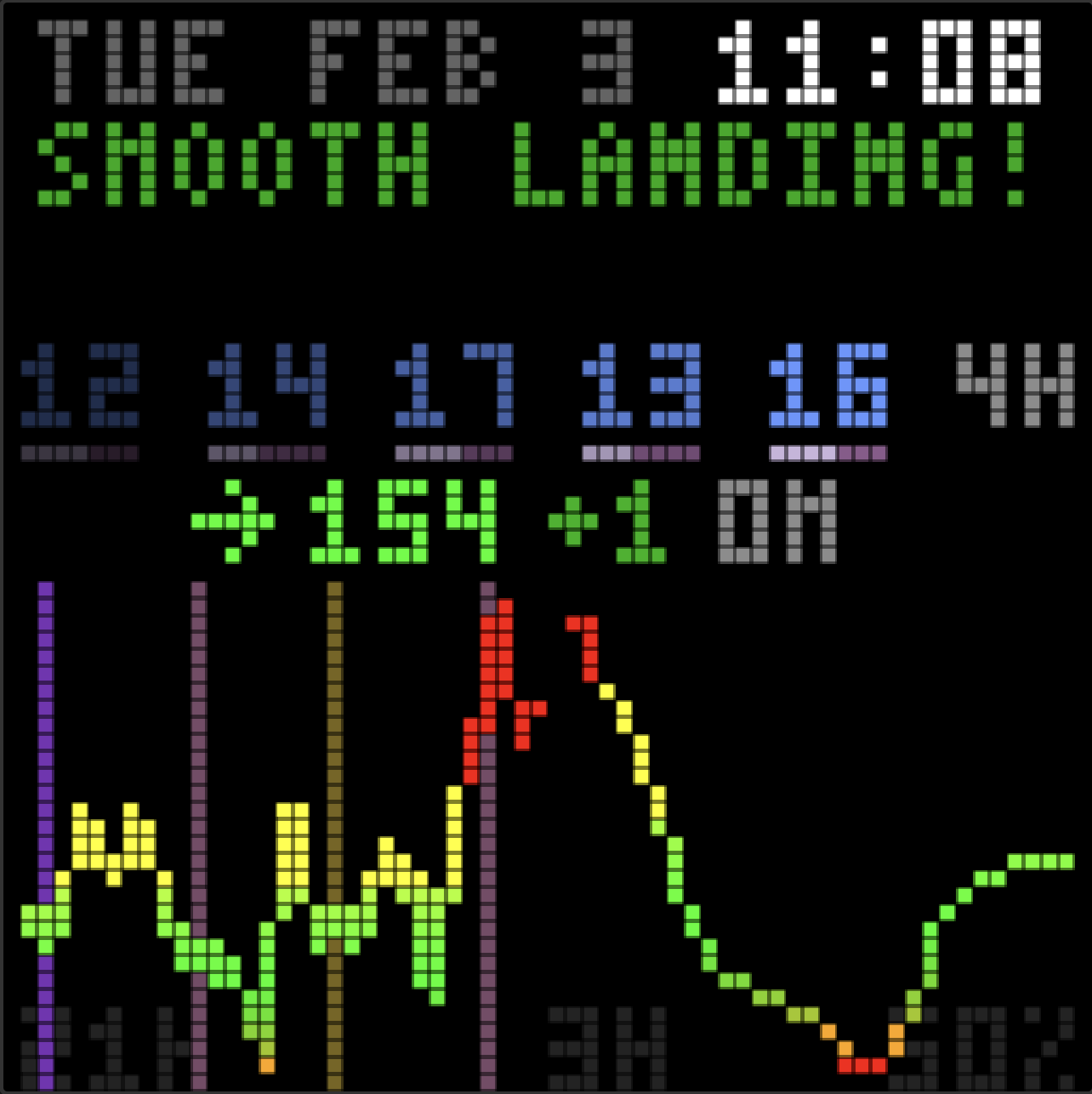 Dashboard Update: Teaching the Agent to Think Like We Do Refining the insights agent with rate of change intelligence, post-low rebound awareness, and a real definition of st...
 -
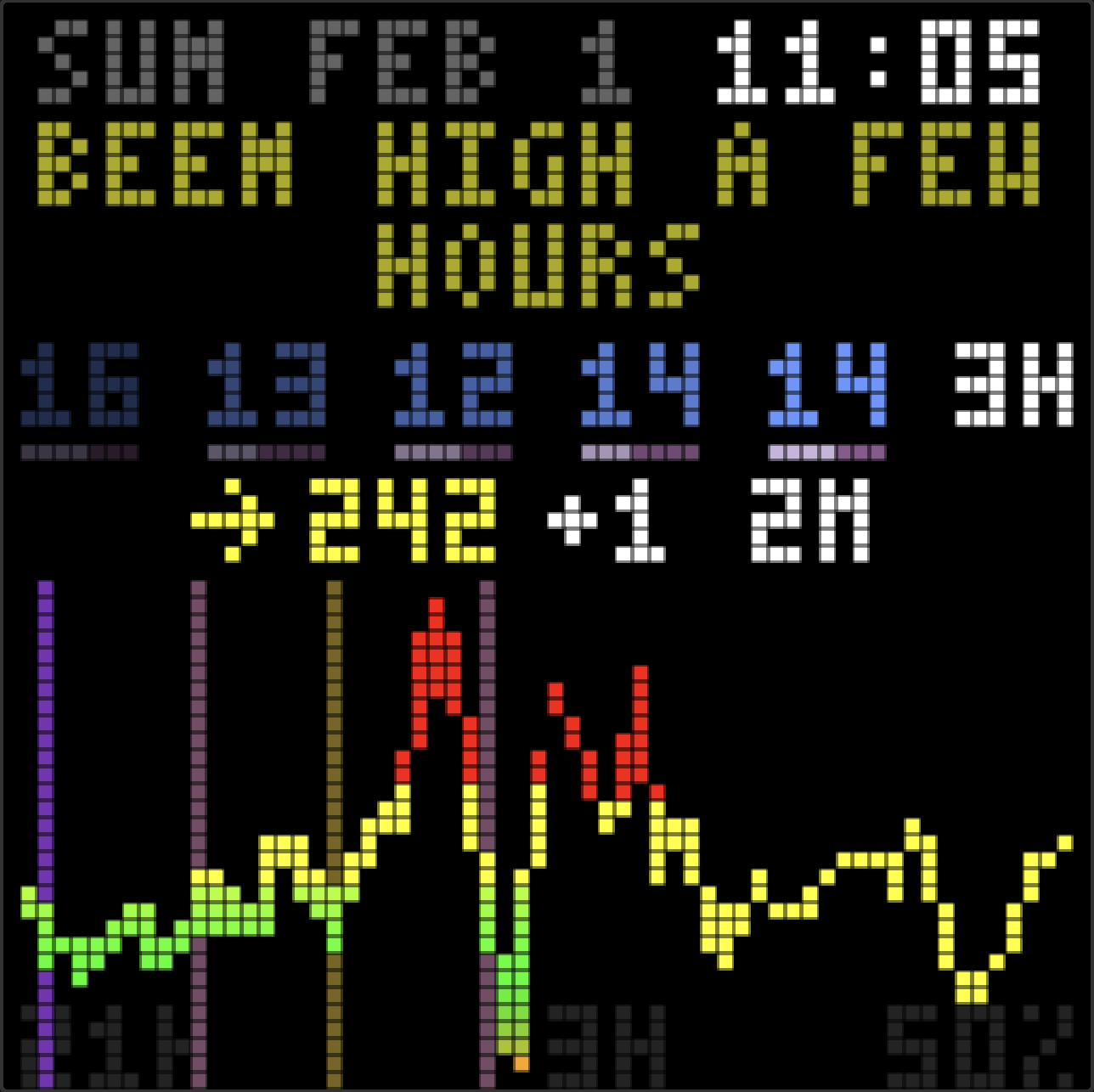 Dashboard Update: An AI Friend Who Watches the Numbers Adding a Bedrock-powered insights agent to the family glucose dashboard. Supportive observations, not robotic commands.
 -
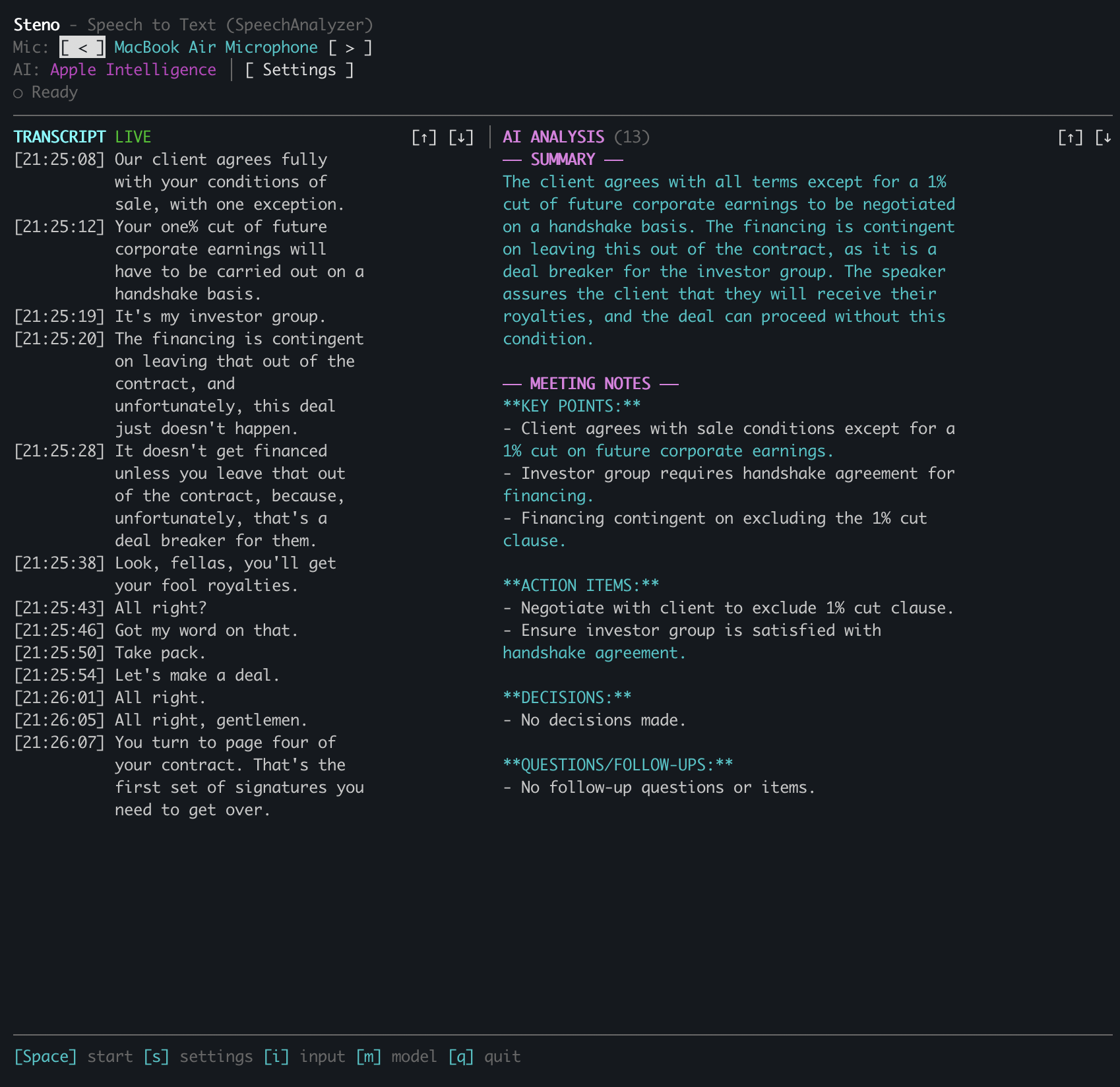 Building a Speech-to-Text TUI with Claude Code A terminal app for real-time transcription using macOS 26's new SpeechAnalyzer API.
 -
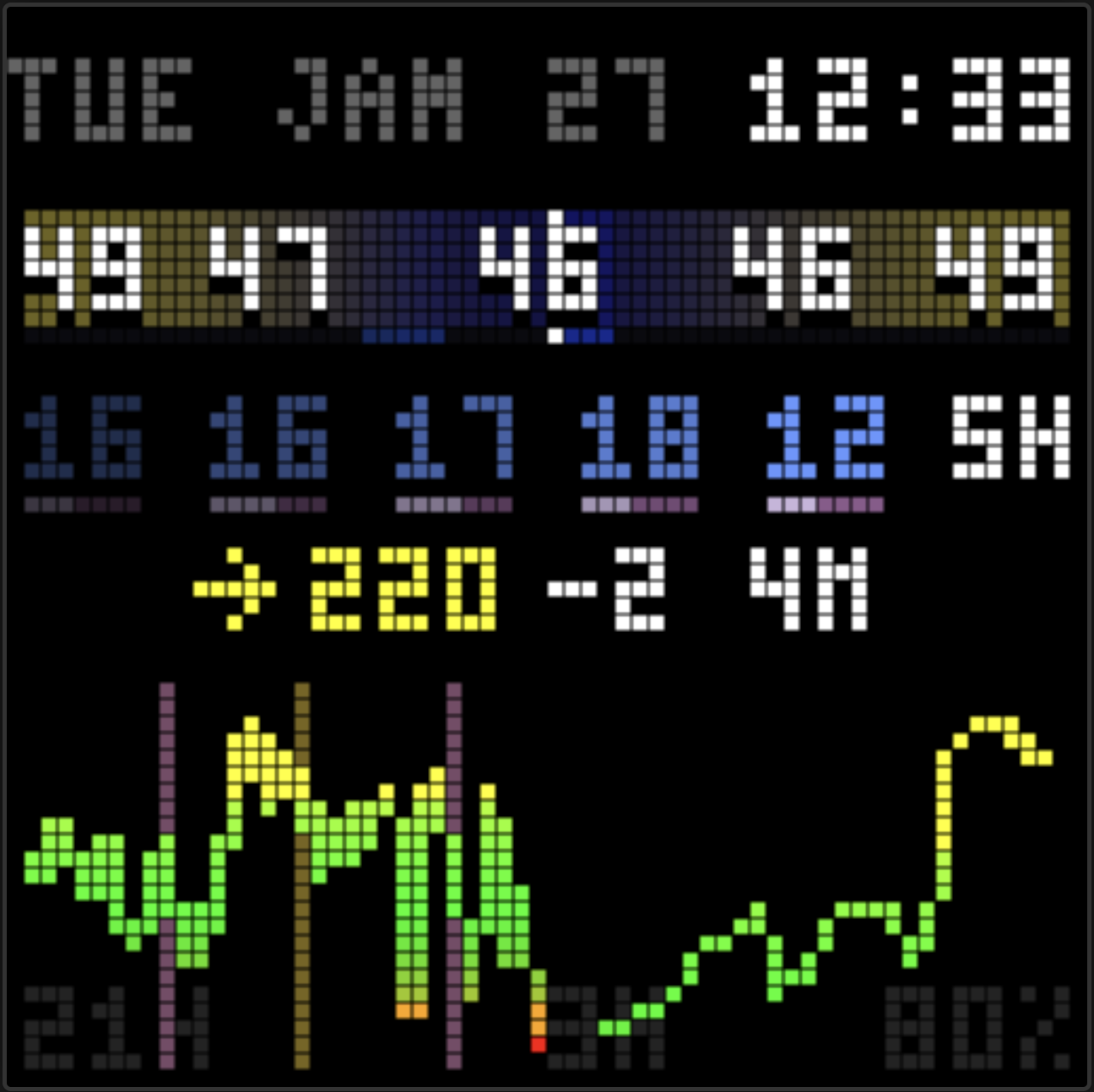 Dashboard Update: Insulin Tracking and Pump Integration Adding insulin pump data to the family glucose dashboard with Glooko integration and visual treatment tracking.
 -
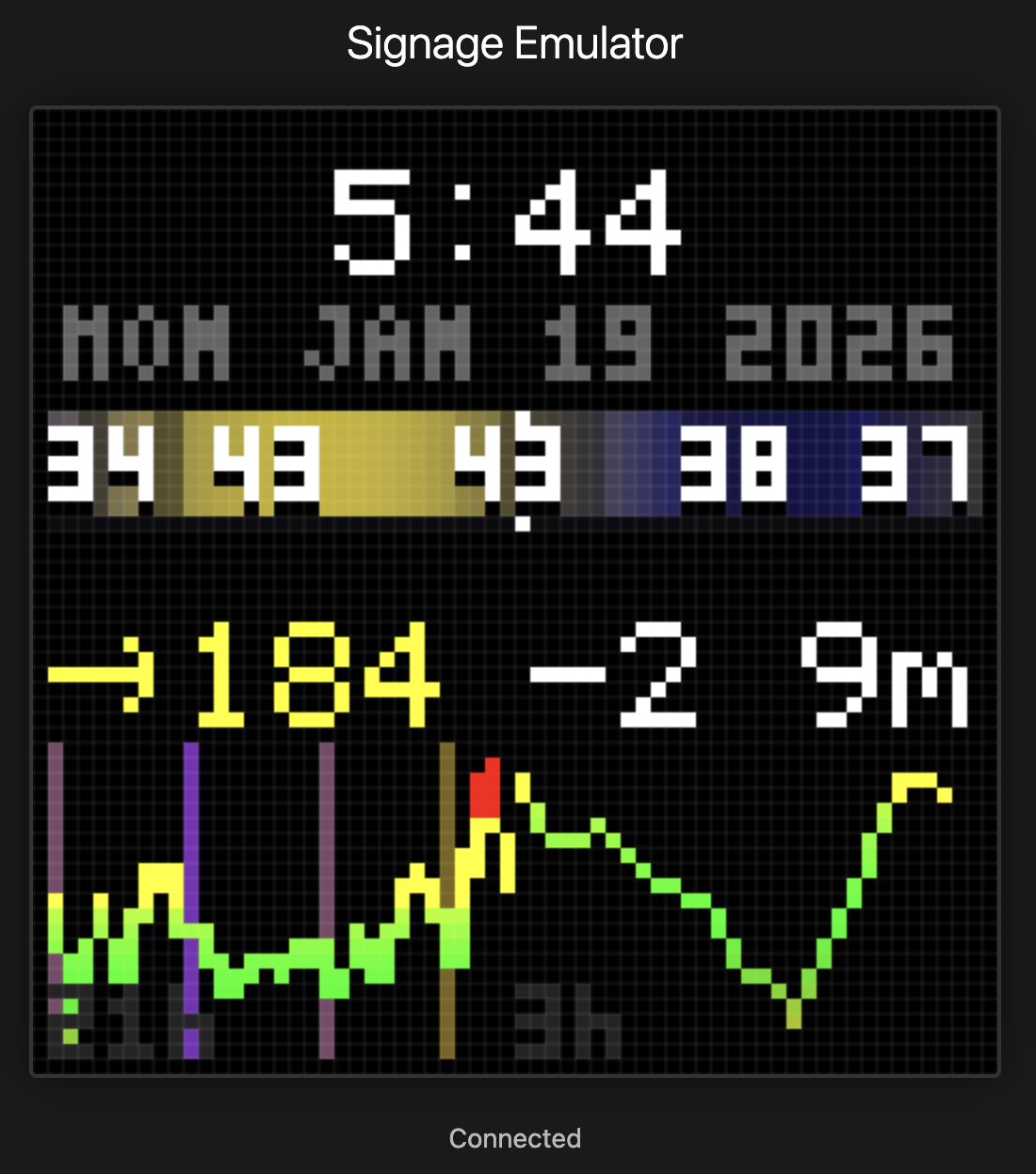 Family Dashboard: Weather, Glucose, and More in 64x64 Pixels Building a family glucose dashboard on Pixoo64 with serverless AWS and Claude Code.
 -
Apple Watch to Obsidian via Claude Code Building two MCP servers to capture voice memos and sync them into Obsidian.